KinTerm: a terminal where every tab shows what its AI agent is doing
 Lakpriya Senevirathna · · 3 min read
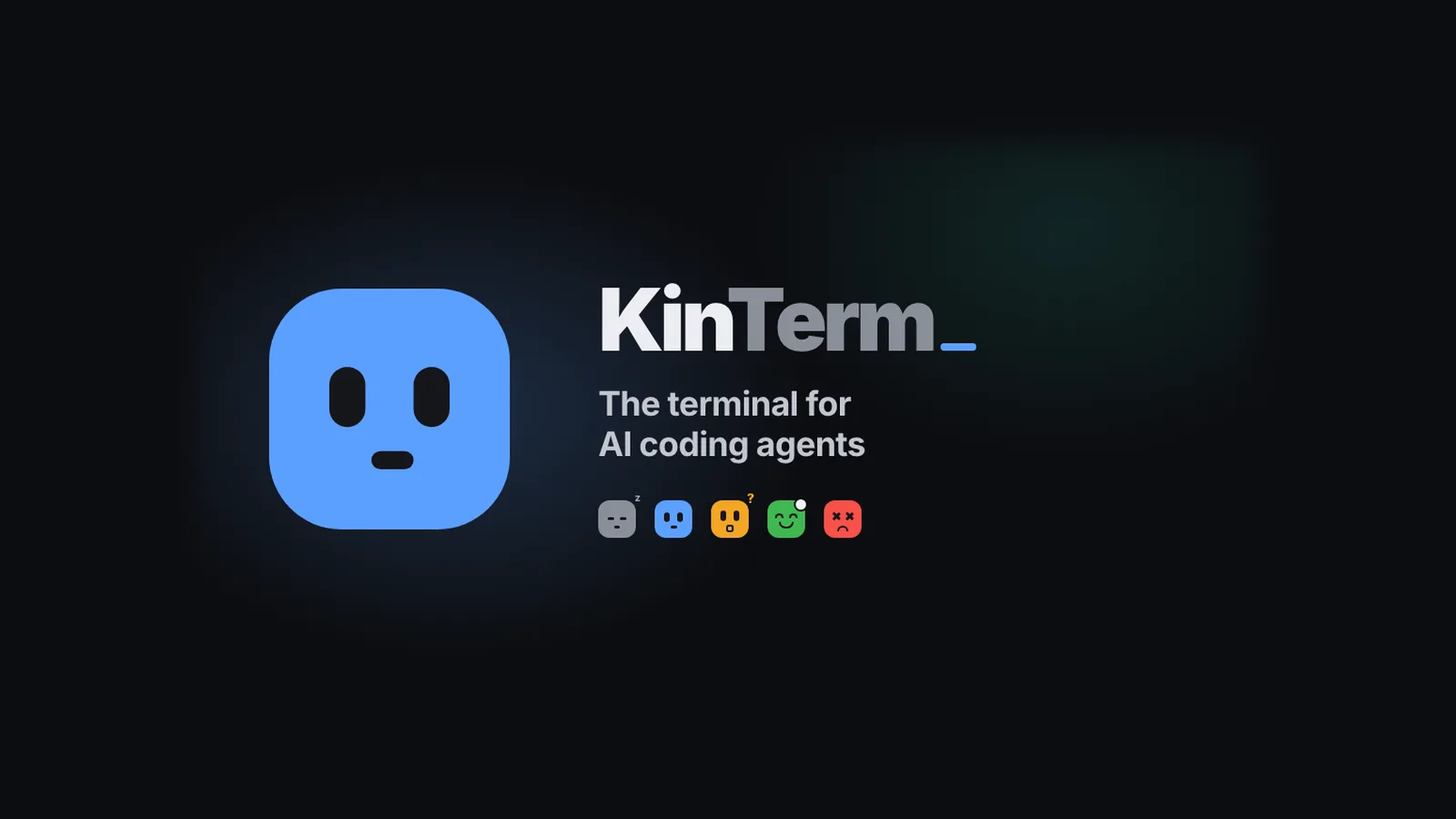
You run Claude Code in one tab, then another, then five. One is waiting for a yes, one finished ten minutes ago, one hit a rate limit, and the only way to find out is to click through every tab. I kept losing time that way, so I built KinTerm: a macOS terminal where every tab is a face that shows what its agent is doing.
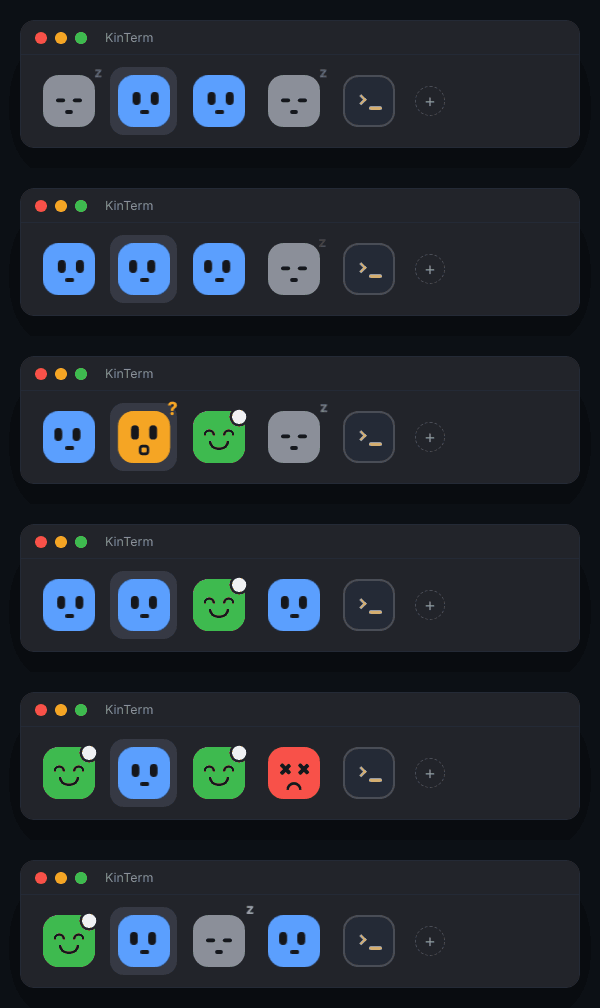
The five faces
- Idle: gray, eyes shut, a drifting "z". The session is ready for a prompt.
- Working: blue, eyes looking left and right while it reads, edits and runs tools.
- Waiting on you: amber, surprised and bouncing, with a "?", when it asks for permission or a question.
- Done: green and happy when it finishes its turn, with a dot until you look.
- Error: red, X eyes and a little shake when the turn ends on an API error, like a rate limit.
A tab with splits shows its most urgent agent: waiting first, then error, done, working and idle.
When you're not looking at the terminal
The faces only help while the window is in front of you, so KinTerm also reports outside it:
- Notifications when an agent finishes, needs you or fails.
- The dock icon is a status light. It takes the colour and expression of the agent that needs you most, with a badge for how many are waiting.
- A menu bar summary with a live count of your agents.
- An agents panel.
⌘⇧Alists every agent in every window, most urgent first, and⌘Jjumps straight to the next one waiting on you.
Hover a face and a card shows the agent's last message, how much of its context window is used, the git branch and the Claude account.
Several accounts, worktrees and subagents
If you use more than one Claude account, each gets its own colour as a tint or a ring on its tabs. The + menu and ⌥⌘1–⌥⌘9 open a Claude Code tab with a given account, optionally in a new git worktree, so parallel agents don't edit the same files. A small badge counts the subagents each session is running.
How it knows
The faces come from a small Claude Code hook that tells KinTerm what each session is doing. The Setup Assistant installs it on first launch, backing up your settings.json first.
SessionStartsets the face to idle.UserPromptSubmit,PreToolUseandPostToolUseset it to working.Notificationsets it to waiting on you.Stopsets it to done, andStopFailureto error.
It isn't tied to Claude Code. KinTerm listens for OSC 7501, the Program Status Protocol, so any agent or script running in a tab can set its own face with one escape sequence:
printf '\e]7501;state=working:app=my-agent\e\\'   # blue, working
printf '\e]7501;state=blocked:app=my-agent\e\\'   # amber, waiting on you
printf '\e]7501;state=done:app=my-agent\e\\'      # green, done
Built on Ghostty
I didn't want to give up a fast terminal to get this, so KinTerm is a fork of Ghostty with the agent faces on top. Emulation, GPU rendering, fonts, native tabs and splits are all Ghostty's, and KinTerm reads your existing Ghostty config and themes until you make one of its own.
Try it
Download KinTerm.dmg from the latest release, drag it to Applications and open it. It needs macOS 13 or later, on Apple silicon or Intel, and updates itself. The code is MIT licensed and on GitHub.
If you also want to see your Claude Code limits while the agents work, ccbar puts them in the status line and BurnArc puts them in the Mac menu bar.