BurnArc: know when Claude Code runs out, before it does
 Lakpriya Senevirathna · · 3 min read
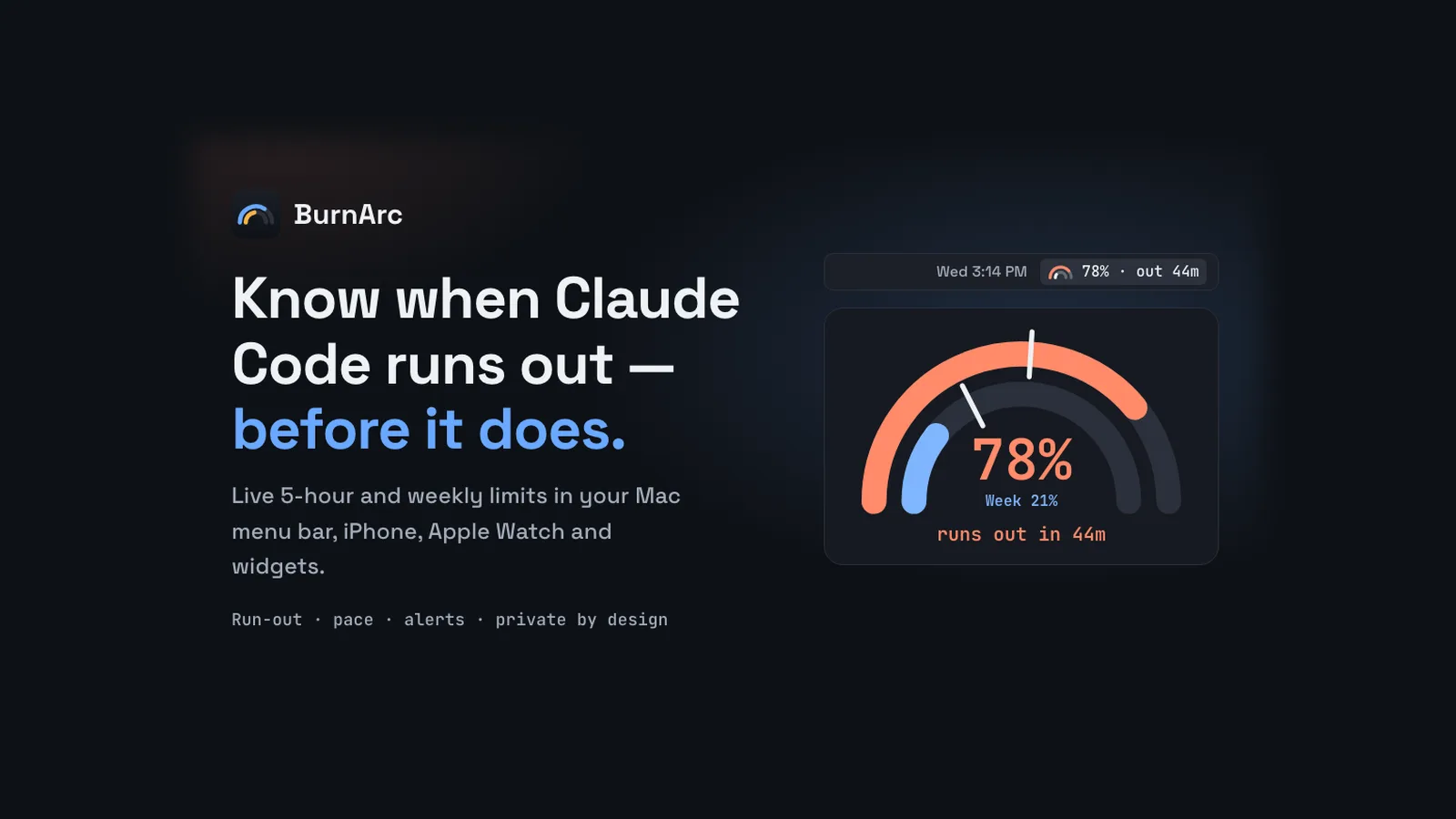
ccbar put my Claude Code limits under the prompt. That works while you're looking at the terminal. But I'd often switch away, come back halfway through a refactor and find the 5-hour window already spent. I wanted the number somewhere I'd see it without asking, so I built BurnArc: a Mac menu bar app that shows your 5-hour and weekly limits live and tells you before you hit the wall.
What it shows
- Both windows at once. Two nested arcs in the menu bar, the tightest limit outside and the other inside, with a number like
83%or83% · 1h32next to them. - Run-out projection. From your average burn since the window started, BurnArc works out when you'll reach 100%. It only shows it when that comes before the reset.
- A pace marker. A tick on every bar and arc shows where you'd be if you spread usage evenly. Ahead of the tick means you're burning fast.
- Alerts that matter. A notification at 50, 75, 80 and 90%, when a window runs out and when it resets, once per window per cycle.
- Every Claude account. One per Claude Code profile, each with its own label, like
workandpersonal. - Claude's status. Incidents from Claude's status page show in the menu bar, so you can tell an outage from your own limit.
- Trends and the live session. A 7- and 30-day history of usage against even pace, plus the current session's model, effort, context window and approximate cost.
Click the menu bar icon for every account, window, pace and run-out time. Themes and switches let you show used or left, countdowns or clock times, and hide the parts you don't need.
How the run-out time works
The estimate is the same one ccbar uses: what's left × time elapsed ÷ what's used. Say you've used 80% of a 5-hour window three hours in. That's an average of about 27% an hour, so the last 20% runs out in about 45 minutes, well before the window resets in two hours. BurnArc shows "runs out in 45m" and turns the arc orange.
How it gets the numbers
Claude Code already passes your usage to its status line on every refresh, so BurnArc doesn't need your login. When you add a profile folder, like ~/.claude or ~/.claude-work, BurnArc installs a small status-line hook there. The hook records the usage figures, then runs your existing status line with the same input, so ccbar or your own setup keeps working. You can switch to BurnArc's own status line instead, and uninstalling puts your original setting back.
Private by design
- No credentials. BurnArc never sees your Claude password, OAuth token or API key, and never calls Anthropic's APIs for you.
- No account and no server. Nothing to sign up for.
- Prompts never leave the Mac. Only usage percentages, reset times, account labels and the live session's model, effort, cost and folder are shared, and only with your own devices.
- Sandboxed and notarized. The Mac app runs in Apple's sandbox, only touches the profile folders you choose, and has no analytics or tracking.
iPhone, Apple Watch and widgets
Apps for iPhone, Apple Watch and widgets are coming soon. You pair the iPhone by scanning a QR code on the Mac, and the numbers sync over your Wi-Fi with TLS, or through your own end-to-end encrypted iCloud when you're away. The watch gets them from the phone, so there's still no BurnArc server in between.
Try it
BurnArc for Mac is free. Download the DMG, drag it into Applications and add your Claude Code profiles. It needs macOS 15 or later, on Apple silicon or Intel, and a Claude Pro or Max plan, since those are the plans Claude Code reports limits for.
If you run several agents at once, KinTerm shows which one needs you from the tab bar.